
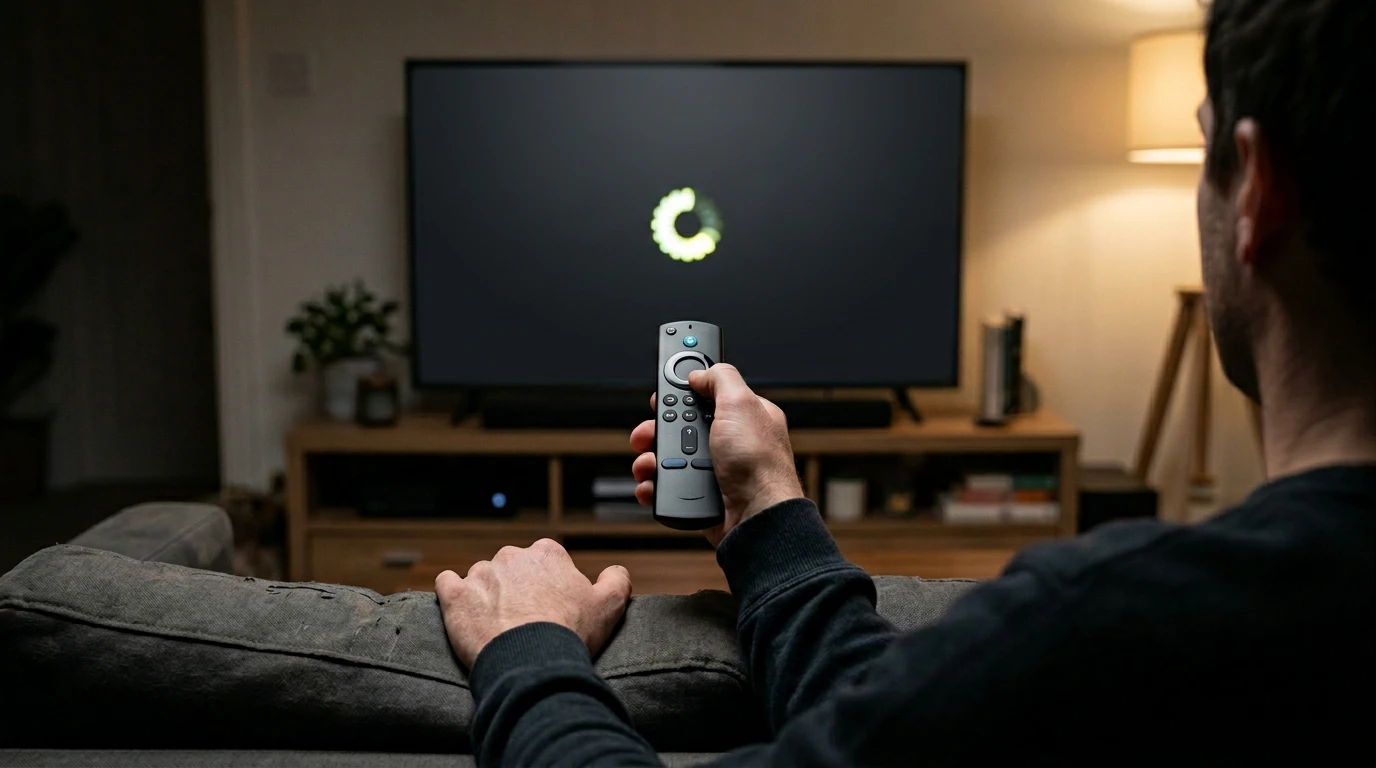
IPTV works brilliantly when everything is set up correctly. But when something goes wrong — buffering, channels not loading, EPG blank, app crashing — it can feel like a nightmare. IPTV troubleshooting UK does not require technical expertise. Most problems have simple fixes that take less than five minutes.
This guide covers every common IPTV troubleshooting UK issue, what causes it, and how to fix it. Bookmark this page. You will need it at some point.
IPTV Troubleshooting UK — Buffering and Freezing
IPTV buffering UK is the number one complaint. The stream freezes, the picture goes blocky, or the spinning wheel appears right when the striker is through on goal.
Fix 1: Switch to ethernet. WiFi is the most common cause of IPTV buffering UK. Your smart TV or Firestick has an ethernet port — use it. A wired connection eliminates interference from walls, other devices, and neighbouring WiFi networks.
Fix 2: Check your broadband speed. Run a speed test at Speedtest.net. You need at least ten megabits per second for HD streaming. If your speeds are below this, the problem is your broadband, not your IPTV. Contact your ISP.
Fix 3: Close other devices. If other people in your house are downloading, gaming, or streaming on other devices, your bandwidth is being split. Pause other activities and test again.
Fix 4: It might be the provider. If your internet is fast, your connection is wired, and nothing else is using bandwidth — the problem is the IPTV suppliers UK service itself. Their servers are overloaded. This is the point where IPTV troubleshooting UK stops being a technical issue and becomes a provider issue. Consider switching.
For more detailed buffering fixes, see the IPTV speed requirements guide.
IPTV Troubleshooting UK — Channels Not Loading
You select a channel and get a black screen, an error message, or nothing at all.
Fix 1: Try a different channel. If only one channel is down, it is a server-side issue with that specific stream. Report it to your IPTV suppliers UK provider and they will fix it.
Fix 2: Restart the app. Close the IPTV app completely and reopen it. On Firestick, force-stop the app through Settings > Applications.
Fix 3: Clear app cache. Go to your device settings, find the IPTV app, and clear its cache. This removes stale data that can prevent channels from loading.
Fix 4: Check your subscription. If no channels load at all, your IPTV subscription UK may have expired. Check with your provider.
IPTV Troubleshooting UK — EPG Not Working
Your programme guide shows blank rows, wrong times, or no data at all.
Fix 1: Force refresh the EPG. In TiviMate, go to Settings > EPG > Update. In Smarters, check EPG settings and refresh manually.
Fix 2: Check the time zone. If programme times are off by an hour, your app’s time zone setting is wrong. Set it to GMT or BST depending on the season.
Fix 3: Contact your provider. If the EPG is completely blank, the IPTV suppliers UK provider’s EPG source may be down. Best iptv uk providers maintain their EPG servers and fix issues quickly. Budget providers may not.
For more on EPG issues, see the IPTV EPG UK guide.
When IPTV Troubleshooting UK Means Changing Provider
Sometimes the honest answer to IPTV troubleshooting UK is that your provider is the problem. If you are constantly buffering, channels regularly go down, the EPG is never accurate, and support takes days to respond — no amount of ethernet cables or cache clearing will fix that.
Golden TV is one of the best iptv uk options for viewers who have been burned by unreliable services. Stable servers, accurate EPG, responsive WhatsApp support, and streams that work when you need them. If your current IPTV troubleshooting UK experience involves weekly frustration, it might be time to switch. Message Golden TV for a trial.

IPTV Troubleshooting UK — App Crashing
Fix 1: Update the app. Outdated IPTV apps crash more frequently. Check for updates in the Google Play Store or Amazon App Store.
Fix 2: Restart your device. A simple restart fixes most app crashes. Turn your Firestick or smart TV off and on again.
Fix 3: Reinstall the app. If crashes persist, uninstall the IPTV app completely, then download and install it fresh. Re-enter your IPTV subscription UK credentials.
Fix 4: Try a different app. If TiviMate crashes, try Smarters. If Smarters crashes, try GSE. Sometimes the issue is app compatibility with your specific device.
Frequently Asked Questions
Why does my IPTV keep buffering?
The three most common causes are WiFi interference, slow broadband, and overloaded provider servers. Switch to ethernet first. If that does not fix it, your provider’s servers are the problem.
Why are some IPTV channels not working?
Individual channels go down when the provider’s stream source for that channel is temporarily offline. Report it to your provider. If many channels are down simultaneously, check your subscription status.
How do I fix IPTV audio out of sync?
Disable audio processing features on your TV — virtual surround, audio enhancement, and similar settings. Set audio output to PCM instead of Auto.
Why is my IPTV app crashing on Firestick?
Usually caused by an outdated app, full cache, or insufficient device memory. Update the app, clear cache, and restart the Firestick. See the IPTV for Firestick guide.
Should I use a VPN if IPTV keeps buffering?
Only if your ISP is throttling IPTV traffic. If IPTV buffering UK happens at all times — not just peak hours — the problem is likely your provider, not your ISP. See the IPTV VPN UK guide.
Final Thoughts
IPTV troubleshooting UK is usually straightforward. Most problems come down to WiFi, broadband speed, or provider quality. Fix those three things and your IPTV experience goes from frustrating to flawless.
If you have tried every fix and it still does not work, the problem is your provider. Switch to a better one and stop wasting your evenings on IPTV troubleshooting UK.
For more, see our reliable IPTV supplier guide and our IPTV vs satellite TV comparison.
This website is for informational purposes only. We may recommend third-party services based on user feedback and testing. All trademarks belong to their respective owners.